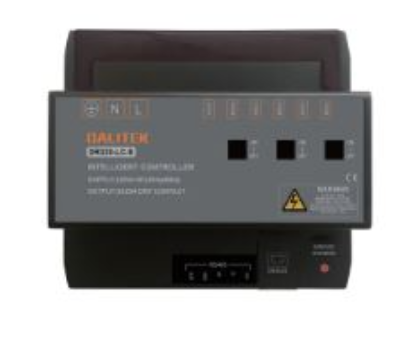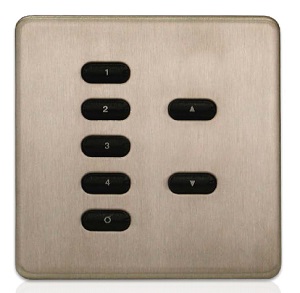
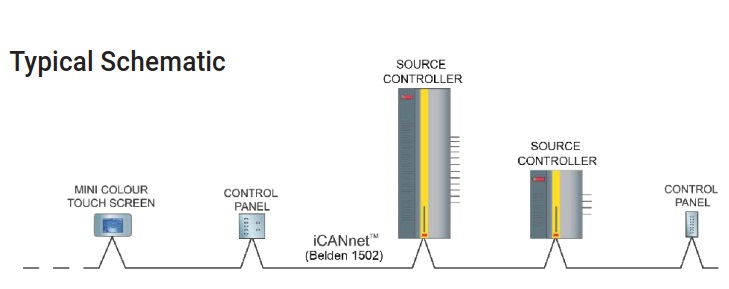
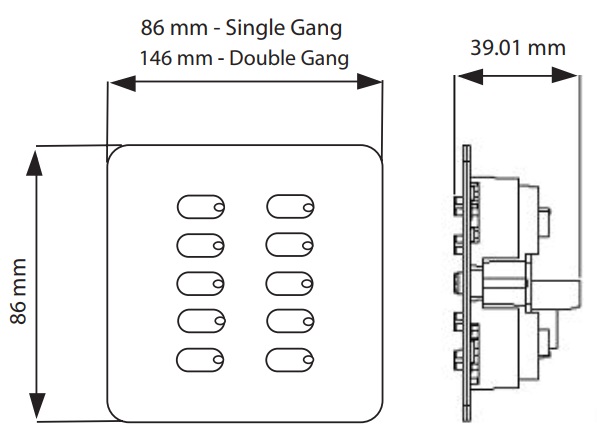
These control panels provide the interface between the user and the remote dimmer. Installed in standard single or double gang UK style electrical wallboxes and connected to the dimmer by LV cable, these versatile units can be installed in any chosen position to suit the layout. Control Panels perform a number of tasks. Their buttons allow users to select lighting scenes, raise or lower levels, or select any other programmed system function. If the Program function is set, they allow lighting scenes to be programmed locally, and their RJ12 socket, when connected to a suitable
iCANsoft™ computer, allows full remote access to the whole iLight network. It is possible to have more than one control panel in an area. When used in this way the indicators in the buttons will show which function is selected in the area irrespective of which control panel activated it
| Power | NA |
| Color Temperature | NA |
| Light Source Type | NA |
| Lumen Output | NA |
| Finishing | STAINLESS STEEL |
| IP Rating | IP20 |
| Color Rendering | NA |
| Driver | NA |